Self-Enroll to Explore:
- Navigate to the Learn website.
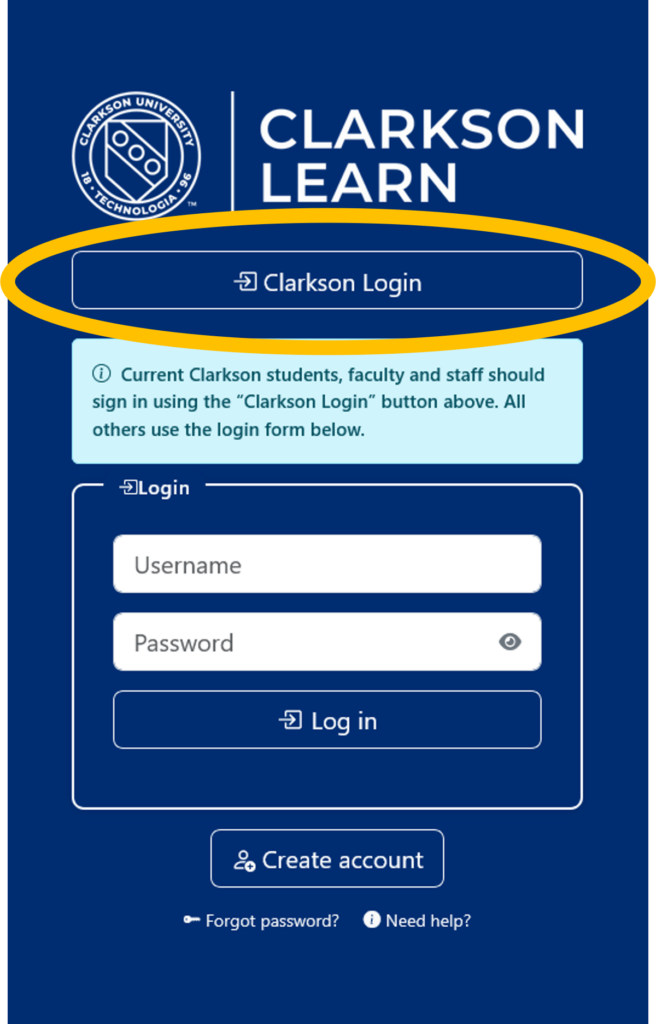
- Login with your Clarkson account using the Clarkson Login link.
- Navigate to the microcredential that you would like to access:
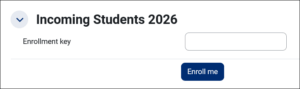
- Locate the Incoming Students 2026 area and enter the following Enrollment Key: StartNow2026
- Click the Enroll me button.
- Check out the full library of microcredentials you will have access to when you’re officially a student: Clarkson Microcredentials